Kiro
Kiro 會從 .kiro/steering/*.md 載入工作區規則(支援 fileMatch glob 觸發與 #[[file:...]] 即時檔案參照),並透過 .kiro/settings/mcp.json 連線遠端 Streamable HTTP MCP 伺服器。將根目錄的 DESIGN.md 與限定範圍的 Steering 檔案搭配使用,能讓 Kiro 的 Spec 與 Vibe 模式在視覺 Token 上保持一致,同時不干擾後端任務。
步驟 1:從 DesignMD Pro 取得 DESIGN.md
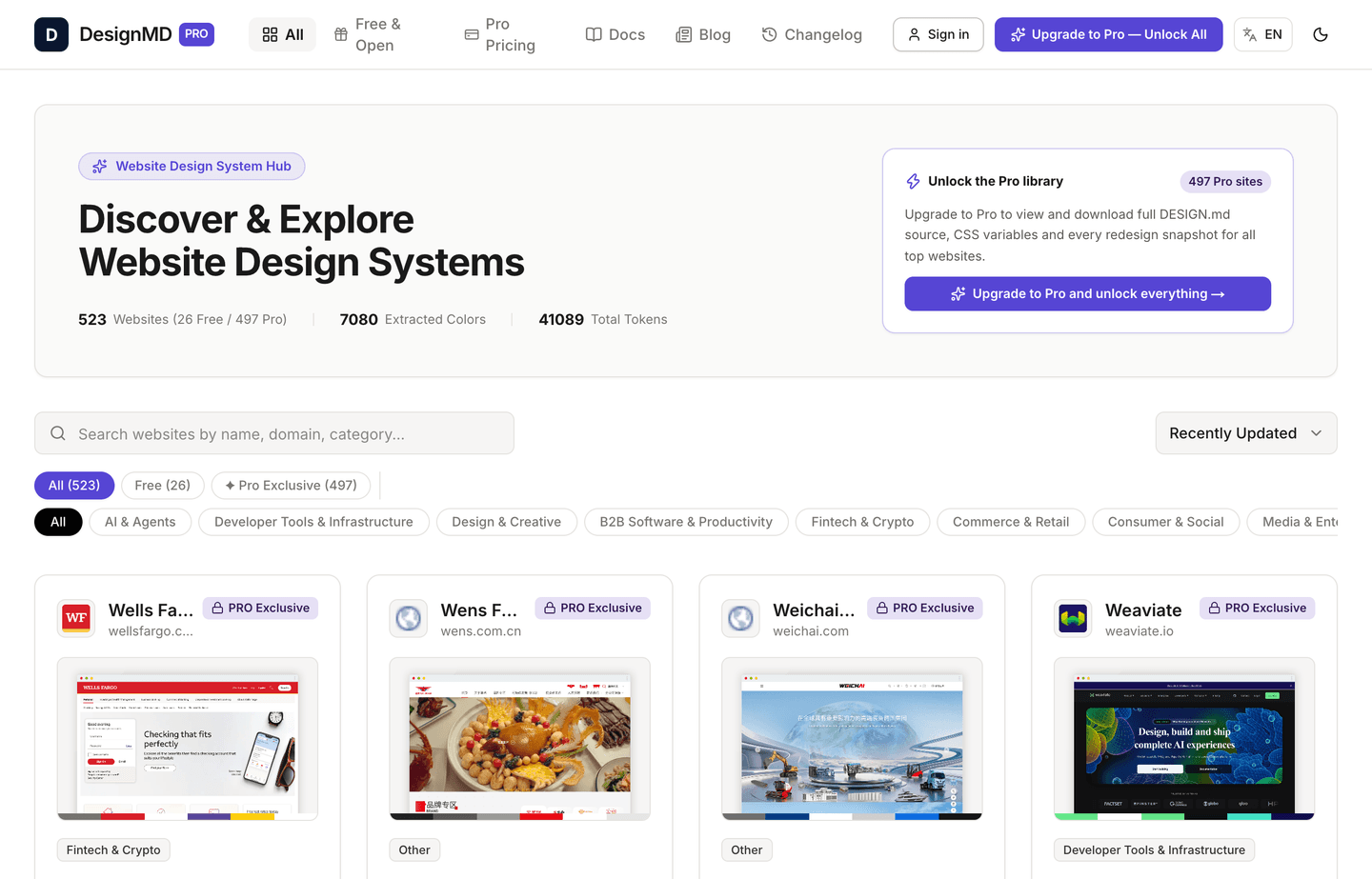
首先在 DesignMD Pro 探索頁 中挑選一套線上產品的設計系統,或參考完整範例自行撰寫。
開啟網站詳細頁面(例如 Notion),並在右側找到 Use this design 卡片:
- 選取 Raw 以複製純文字
DESIGN.md原始碼,或點擊下載按鈕直接儲存DESIGN.md。 - 對於免費層級的項目,您也可以從終端機直接將原始 Markdown 端點擷取至儲存庫:
curl -fsSL https://designmdpro.app/websites/notion.md -o DESIGN.md
npx --yes @google/design.md lint DESIGN.md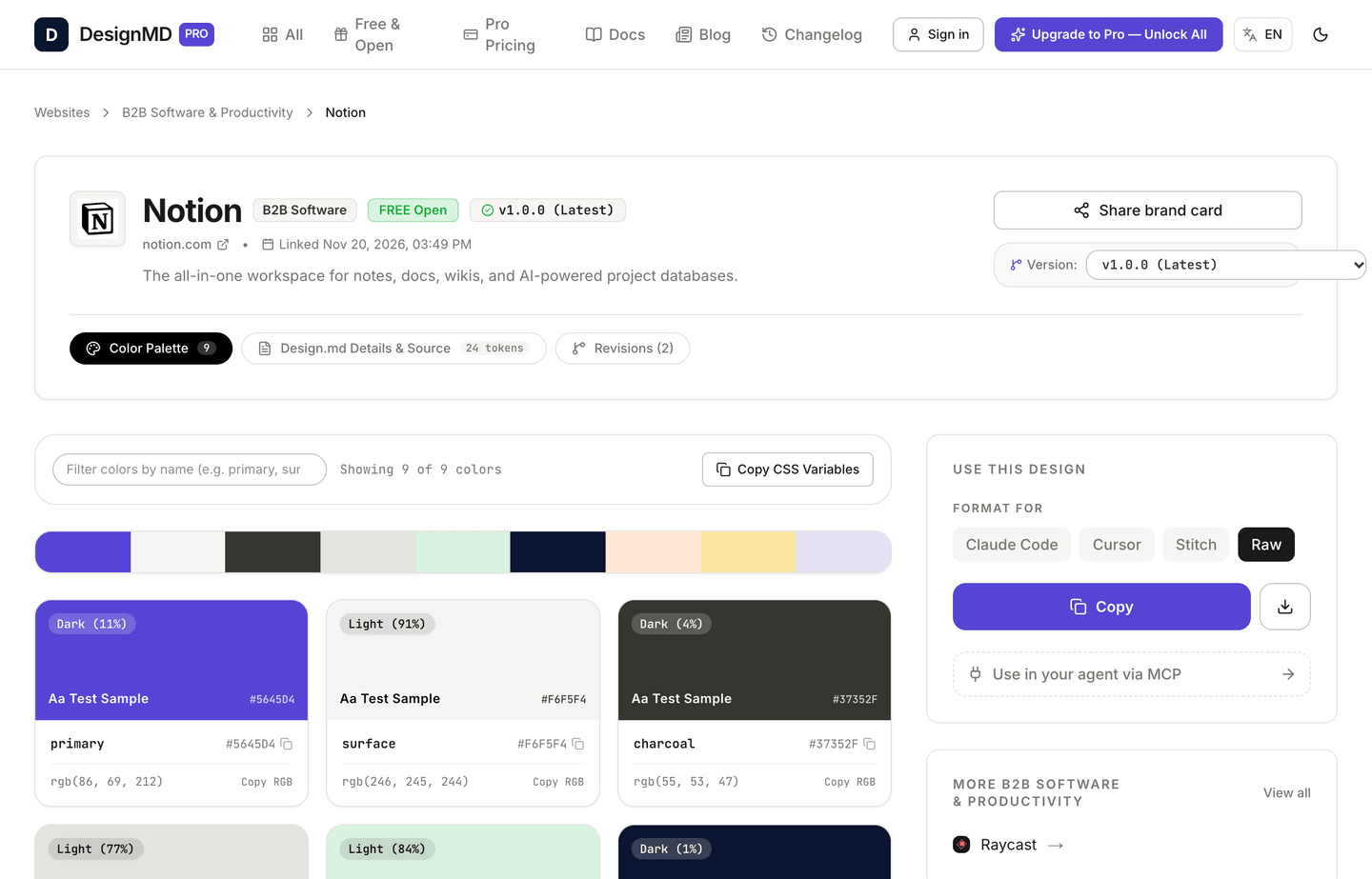
步驟 2:加入 DESIGN.md 與 Kiro Steering 檔案
將 DESIGN.md 放置於儲存庫根目錄,讓 @google/design.md lint 與其他 Agent 共用單一真實來源,接著新增 .kiro/steering/design-system.md:
my-app/
├── DESIGN.md
└── .kiro/
    ├── settings/
    │   └── mcp.json
    └── steering/
        └── design-system.md
結合使用 Kiro 的 inclusion: fileMatch frontmatter 與 #[[file:DESIGN.md]],讓 Kiro 僅在編輯前端檔案時將即時的 DESIGN.md 拉入上下文:
---
inclusion: fileMatch
fileMatchPattern:
  - "src/components/**/*.tsx"
  - "src/app/**/*.tsx"
  - "src/**/*.css"
---

# UI & Design System Rules

Follow the tokens, component rules, and Do's and Don'ts defined in the workspace `DESIGN.md` file below. Never invent hex colors, font sizes, border radii, or shadows outside the specification.

#[[file:DESIGN.md]]對於幾乎每個任務都會觸及 UI 的純前端儲存庫,可將 inclusion: fileMatch 改為 inclusion: always(並移除 fileMatchPattern),讓 Kiro 在包含 Spec 設計審查在內的每個工作階段都套用 DESIGN.md。
步驟 3:連線 DesignMD Pro MCP 伺服器
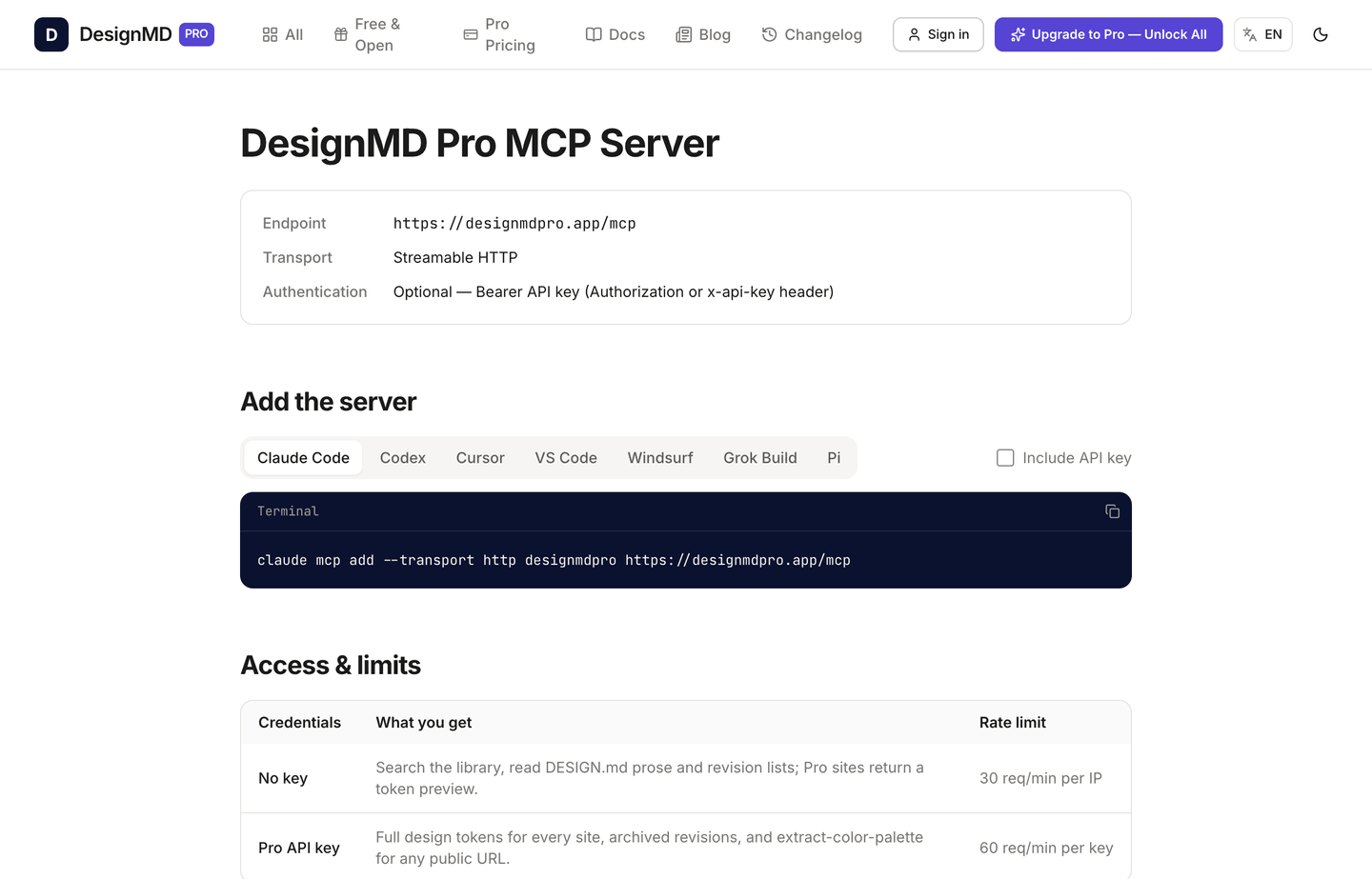
若要在不離開 IDE 的情況下直接在 Kiro 內搜尋 DesignMD Pro 目錄並拉取特定 DESIGN.md 章節,請在 .kiro/settings/mcp.json(工作區層級)或 ~/.kiro/settings/mcp.json(全域層級)中註冊託管的 Streamable HTTP 端點(https://designmdpro.app/mcp):
{
  "mcpServers": {
    "designmdpro": {
      "url": "https://designmdpro.app/mcp",
      "disabled": false,
      "autoApprove": ["search_websites", "get_design_md", "list_revisions"]
    }
  }
}
若使用 Pro API 金鑰(dmdp_…,來自 帳戶 → API 金鑰),請引用環境變數而非將憑證提交至 git,並在 Kiro 提示 Mcp Approved Env Vars 時核准 DESIGNMDPRO_API_KEY:
{
  "mcpServers": {
    "designmdpro": {
      "url": "https://designmdpro.app/mcp",
      "headers": {
        "Authorization": "Bearer ${DESIGNMDPRO_API_KEY}"
      },
      "disabled": false,
      "autoApprove": ["search_websites", "get_design_md", "list_revisions"]
    }
  }
}
欲了解完整的連線細節、速率限制以及匿名與 Pro 層級可用的工具,請參閱 DesignMD Pro MCP 伺服器 頁面。
步驟 4:提示詞範本
Vibe 模式:從根目錄 DESIGN.md 建置元件
Read DESIGN.md in the repository root. Build the billing settings card in
src/components/billing-card.tsx using only the defined color, typography,
spacing, and radius tokens. Follow the Elevation & Depth and Do's and Don'ts
sections strictly.
Spec 模式:在產生任務前鎖定 UI 需求
Create a Kiro spec for a workspace members management page. In design.md,
reference the visual tokens in root DESIGN.md (surface hierarchy, hairline
borders, primary CTA, and table density) so implementation tasks do not
introduce ad-hoc Tailwind colors.
MCP 查詢:比較或採用線上參考範例
Use the designmdpro MCP server to call search_websites for "linear", then
fetch only the Colors, Typography, and Components sections with get_design_md.
Update our root DESIGN.md to adopt that surface hierarchy and run
`npx --yes @google/design.md lint DESIGN.md` to verify zero errors.
常見陷阱
- 混淆根目錄
DESIGN.md與 Kiro 每個功能的.kiro/specs/<feature>/design.md:Kiro 的 Spec 工作流程會為每個功能產生小寫的design.md,用於記載技術架構、API 與資料模型。請將視覺設計 Token 保存在大寫的根目錄DESIGN.md中,並從.kiro/steering/design-system.md引用它。 - 將 Token 原封不動複製到
.kiro/steering/design-system.md:重複貼上 YAML Token 會導致內容分歧,並破壞@google/design.md lint檢查。請使用#[[file:DESIGN.md]],讓DESIGN.md的修改能自動生效。 .kiro/settings/mcp.json中未核准的環境變數:若${DESIGNMDPRO_API_KEY}無法展開,請確認已在 Shell 中匯出該變數,並將其列入 Kiro 的Mcp Approved Env Vars設定中。
下一步
- MCP 伺服器設定 — 託管端點、速率限制與工具總覽
- MCP 伺服器參考 —
search_websites、get_design_md、list_revisions與extract-color-palette的完整 JSON Schema - Tailwind CSS 與 shadcn/ui 整合 — 搭配
DESIGN.md匯出對應的 CSS 變數 - 完整範例 — 通過驗證的完整入門
DESIGN.md