Kiro
Kiro loads workspace rules from .kiro/steering/*.md (supporting fileMatch glob triggers and #[[file:...]] live file references) and connects to remote Streamable HTTP MCP servers through .kiro/settings/mcp.json. Pairing a root DESIGN.md with a scoped steering file keeps Kiro’s Spec and Vibe modes aligned on visual tokens without polluting backend tasks.
Step 1: Get DESIGN.md from DesignMD Pro
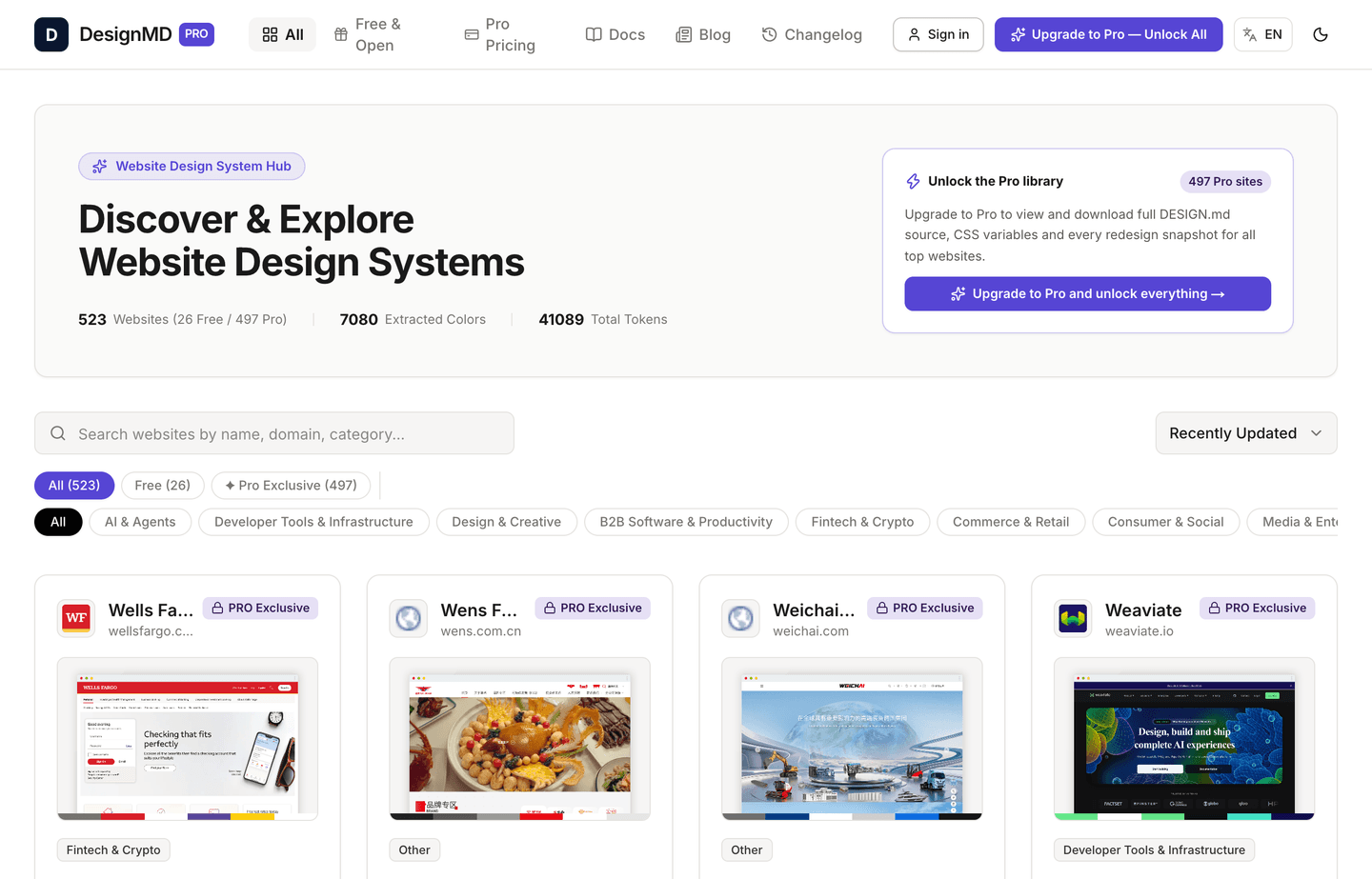
Start by choosing a production design system in DesignMD Pro Discovery or authoring your own from the Complete Example.
Open a website detail page (for example, Notion) and locate the Use this design card on the right:
- Select Raw to copy the plain
DESIGN.mdsource or click the download button to saveDESIGN.mddirectly. - For free-tier entries, you can also fetch the raw Markdown endpoint straight into your repository from the terminal:
curl -fsSL https://designmdpro.app/websites/notion.md -o DESIGN.md
npx --yes @google/design.md lint DESIGN.md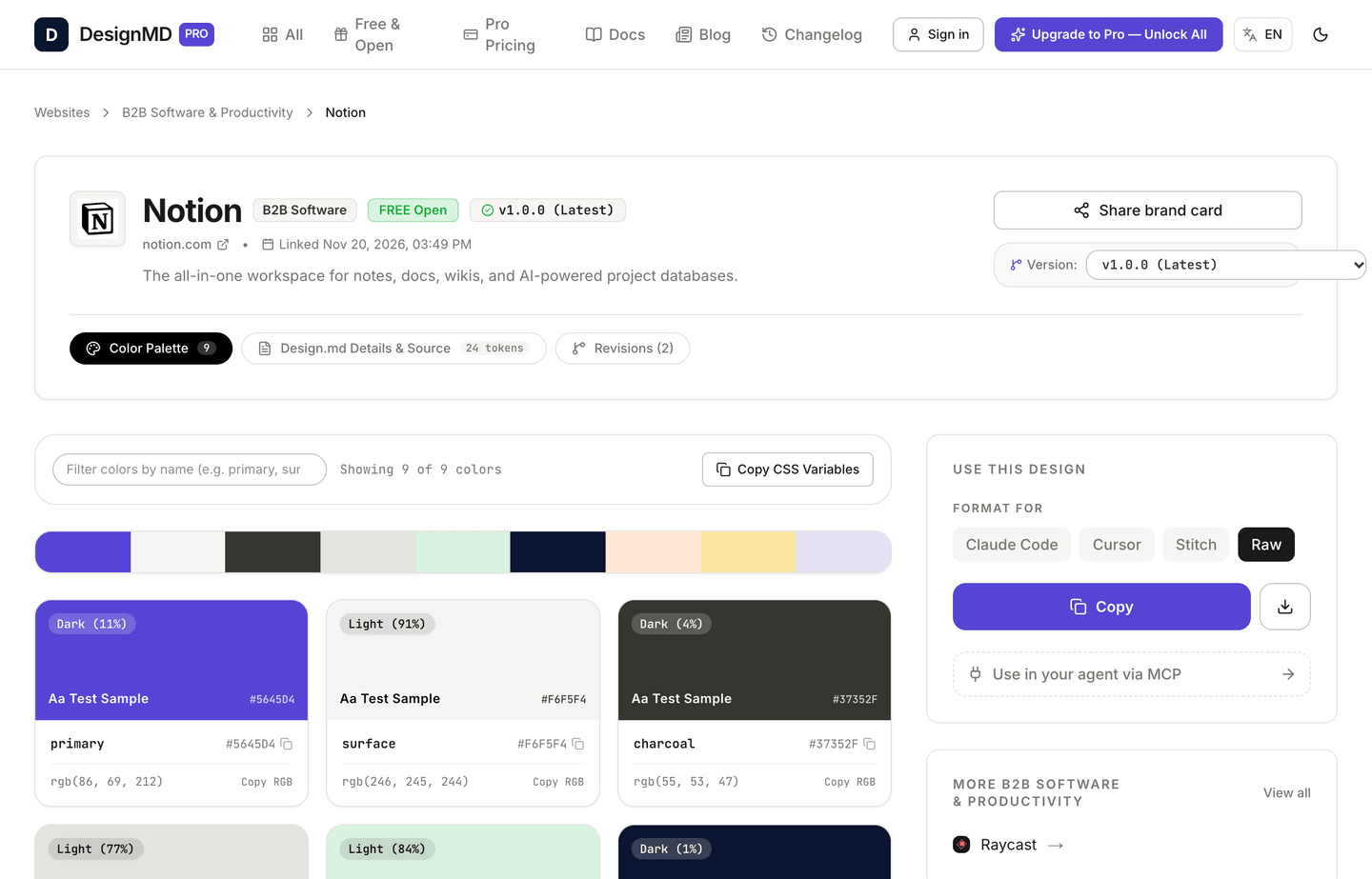
Step 2: Add DESIGN.md and a Kiro steering file
Place DESIGN.md at the repository root so @google/design.md lint and other agents share a single source of truth, then add .kiro/steering/design-system.md:
my-app/
├── DESIGN.md
└── .kiro/
    ├── settings/
    │   └── mcp.json
    └── steering/
        └── design-system.md
Use Kiro’s inclusion: fileMatch frontmatter together with #[[file:DESIGN.md]] so Kiro pulls the live DESIGN.md into context only when editing frontend files:
---
inclusion: fileMatch
fileMatchPattern:
  - "src/components/**/*.tsx"
  - "src/app/**/*.tsx"
  - "src/**/*.css"
---

# UI & Design System Rules

Follow the tokens, component rules, and Do's and Don'ts defined in the workspace `DESIGN.md` file below. Never invent hex colors, font sizes, border radii, or shadows outside the specification.

#[[file:DESIGN.md]]For frontend-only repositories where almost every task touches UI, change inclusion: fileMatch to inclusion: always (and omit fileMatchPattern) so Kiro applies DESIGN.md in every session, including Spec design reviews.
Step 3: Connect the DesignMD Pro MCP server
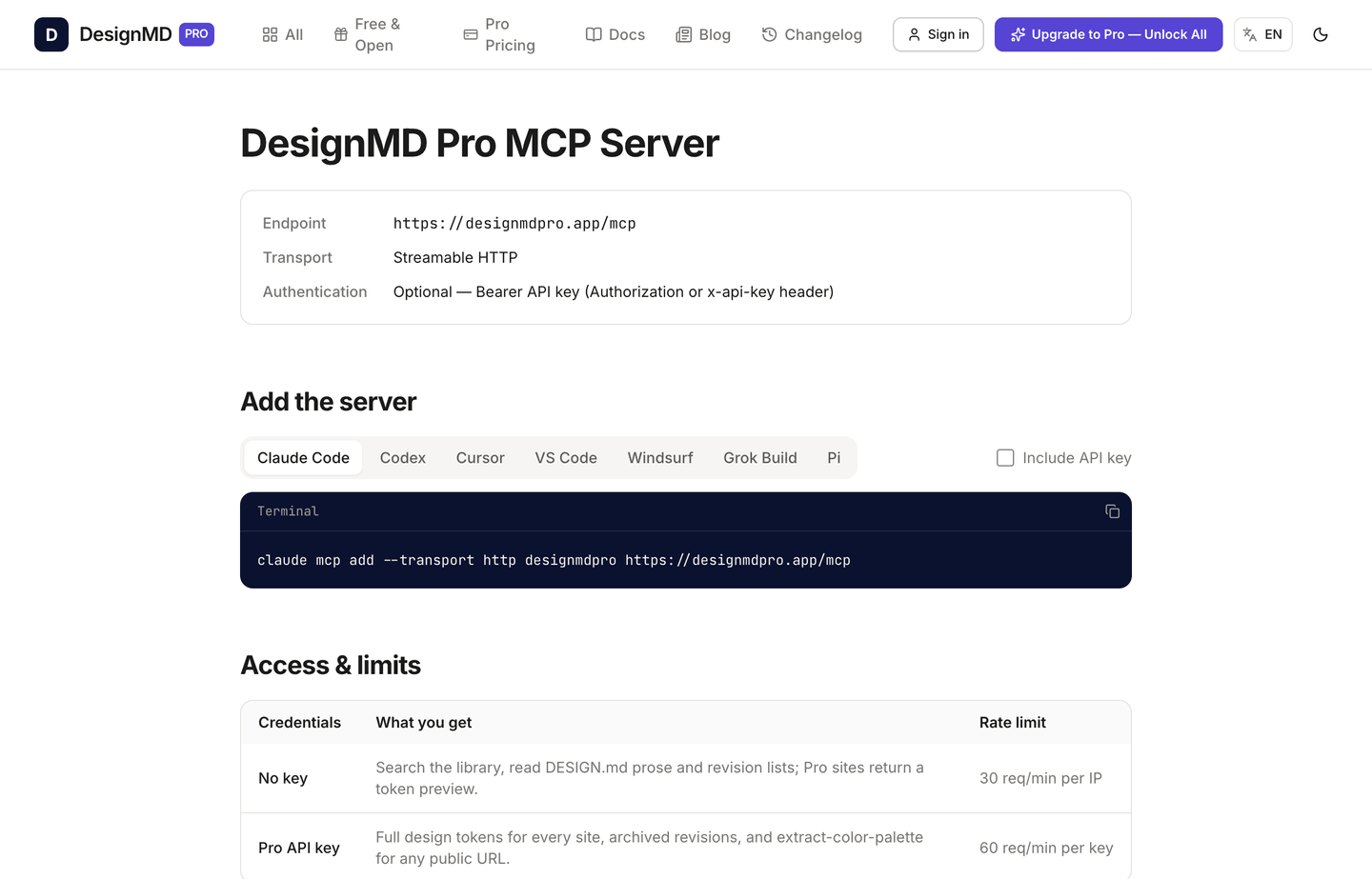
To search the DesignMD Pro catalog and pull specific DESIGN.md sections directly inside Kiro without leaving the IDE, register the hosted Streamable HTTP endpoint (https://designmdpro.app/mcp) in .kiro/settings/mcp.json (workspace) or ~/.kiro/settings/mcp.json (global):
{
  "mcpServers": {
    "designmdpro": {
      "url": "https://designmdpro.app/mcp",
      "disabled": false,
      "autoApprove": ["search_websites", "get_design_md", "list_revisions"]
    }
  }
}
With a Pro API key (dmdp_… from Account → API Keys), reference an environment variable rather than committing credentials to git, and approve DESIGNMDPRO_API_KEY when Kiro prompts for Mcp Approved Env Vars:
{
  "mcpServers": {
    "designmdpro": {
      "url": "https://designmdpro.app/mcp",
      "headers": {
        "Authorization": "Bearer ${DESIGNMDPRO_API_KEY}"
      },
      "disabled": false,
      "autoApprove": ["search_websites", "get_design_md", "list_revisions"]
    }
  }
}
For full connection details, rate limits, and available tools across anonymous and Pro tiers, see the DesignMD Pro MCP Server page.
Step 4: Prompt templates
Vibe mode: build a component from root DESIGN.md
Read DESIGN.md in the repository root. Build the billing settings card in
src/components/billing-card.tsx using only the defined color, typography,
spacing, and radius tokens. Follow the Elevation & Depth and Do's and Don'ts
sections strictly.
Spec mode: anchor UI requirements before generating tasks
Create a Kiro spec for a workspace members management page. In design.md,
reference the visual tokens in root DESIGN.md (surface hierarchy, hairline
borders, primary CTA, and table density) so implementation tasks do not
introduce ad-hoc Tailwind colors.
MCP lookup: compare or adopt a live reference
Use the designmdpro MCP server to call search_websites for "linear", then
fetch only the Colors, Typography, and Components sections with get_design_md.
Update our root DESIGN.md to adopt that surface hierarchy and run
`npx --yes @google/design.md lint DESIGN.md` to verify zero errors.
Common pitfalls
- Confusing root
DESIGN.mdwith Kiro’s per-feature.kiro/specs/<feature>/design.md: Kiro’s Spec workflow generates a lowercasedesign.mdper feature for technical architecture, APIs, and data models. Keep visual design tokens in the uppercase rootDESIGN.mdand reference it from.kiro/steering/design-system.md. - Copying tokens verbatim into
.kiro/steering/design-system.md: duplicating YAML tokens causes drift and breaks@google/design.md lintchecks. Use#[[file:DESIGN.md]]so edits toDESIGN.mdpropagate automatically. - Unapproved environment variables in
.kiro/settings/mcp.json: if${DESIGNMDPRO_API_KEY}fails to expand, confirm it is exported in your shell and listed under Kiro’sMcp Approved Env Varssetting.
Next steps
- MCP Server Setup — hosted endpoint, rate limits, and tool overview
- MCP Server Reference — full JSON schemas for
search_websites,get_design_md,list_revisions, andextract-color-palette - Tailwind CSS & shadcn/ui Integration — export matching CSS variables alongside
DESIGN.md - Complete Example — full validated starter
DESIGN.md