Kiro
Kiro는 .kiro/steering/*.md(fileMatch glob 트리거와 #[[file:...]] 실시간 파일 참조 지원)에서 워크스페이스 규칙을 로드하고, .kiro/settings/mcp.json을 통해 원격 Streamable HTTP MCP server에 연결합니다. 루트 DESIGN.md와 스코프가 지정된 steering 파일을 함께 두면 백엔드 작업을 오염시키지 않으면서도 Kiro의 Spec 및 Vibe 모드를 시각 토큰에 맞출 수 있습니다.
1단계: DesignMD Pro에서 DESIGN.md 가져오기
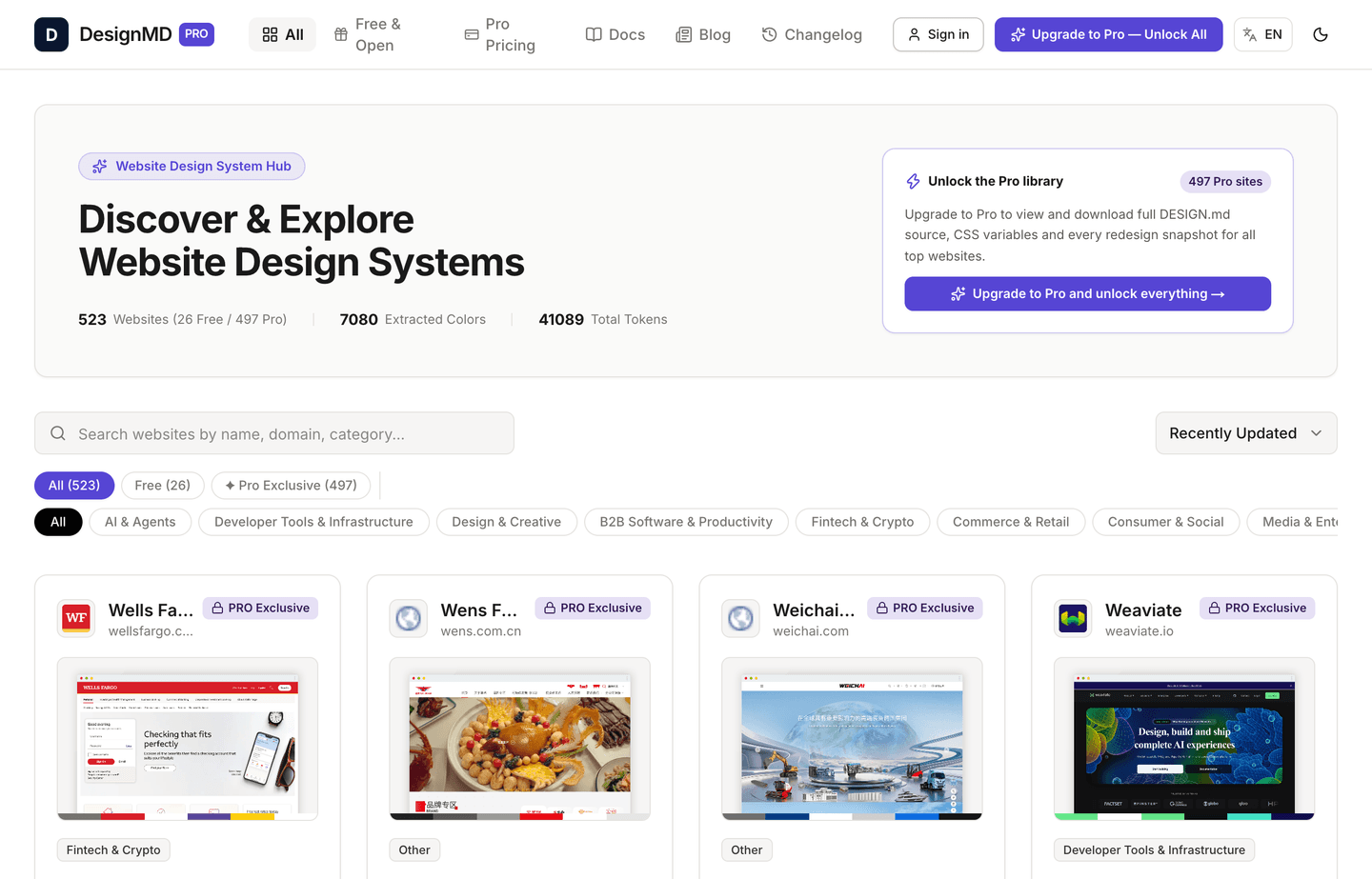
DesignMD Pro 탐색에서 프로덕션 디자인 시스템을 선택하거나 전체 예제로 직접 작성하며 시작하세요.
웹사이트 상세 페이지(예: Notion)를 열고 오른쪽 Use this design 카드를 찾습니다.
- Raw를 선택해 순수
DESIGN.md소스를 복사하거나 다운로드 버튼을 클릭해DESIGN.md를 바로 저장합니다. - 무료 등급 항목은 터미널에서 원시 Markdown 엔드포인트를 저장소로 직접 가져올 수도 있습니다.
curl -fsSL https://designmdpro.app/websites/notion.md -o DESIGN.md
npx --yes @google/design.md lint DESIGN.md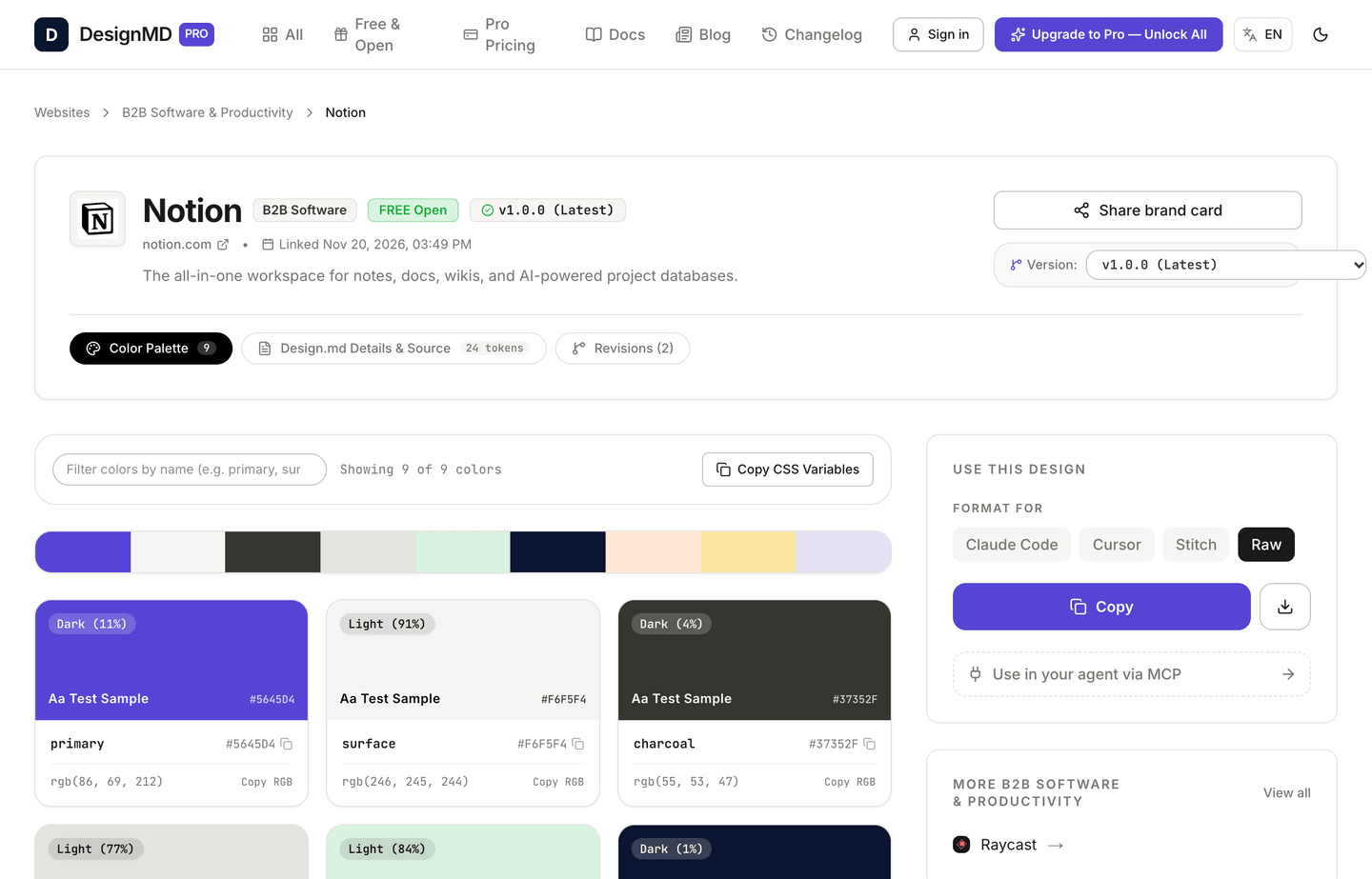
2단계: DESIGN.md와 Kiro steering 파일 추가하기
@google/design.md lint와 다른 에이전트가 단일 진실 공급원을 공유하도록 DESIGN.md를 저장소 루트에 두고 .kiro/steering/design-system.md를 추가합니다.
my-app/
├── DESIGN.md
└── .kiro/
    ├── settings/
    │   └── mcp.json
    └── steering/
        └── design-system.md
Kiro의 inclusion: fileMatch frontmatter와 #[[file:DESIGN.md]]를 함께 사용하면 프론트엔드 파일을 편집할 때만 Kiro가 실시간 DESIGN.md를 컨텍스트에 불러옵니다.
---
inclusion: fileMatch
fileMatchPattern:
  - "src/components/**/*.tsx"
  - "src/app/**/*.tsx"
  - "src/**/*.css"
---

# UI & Design System Rules

Follow the tokens, component rules, and Do's and Don'ts defined in the workspace `DESIGN.md` file below. Never invent hex colors, font sizes, border radii, or shadows outside the specification.

#[[file:DESIGN.md]]거의 모든 작업이 UI를 다루는 프론트엔드 전용 저장소라면 inclusion: fileMatch를 inclusion: always로 바꾸고 fileMatchPattern을 생략해 Spec 디자인 리뷰를 포함한 모든 세션에 DESIGN.md가 적용되게 할 수 있습니다.
3단계: DesignMD Pro MCP server 연결하기
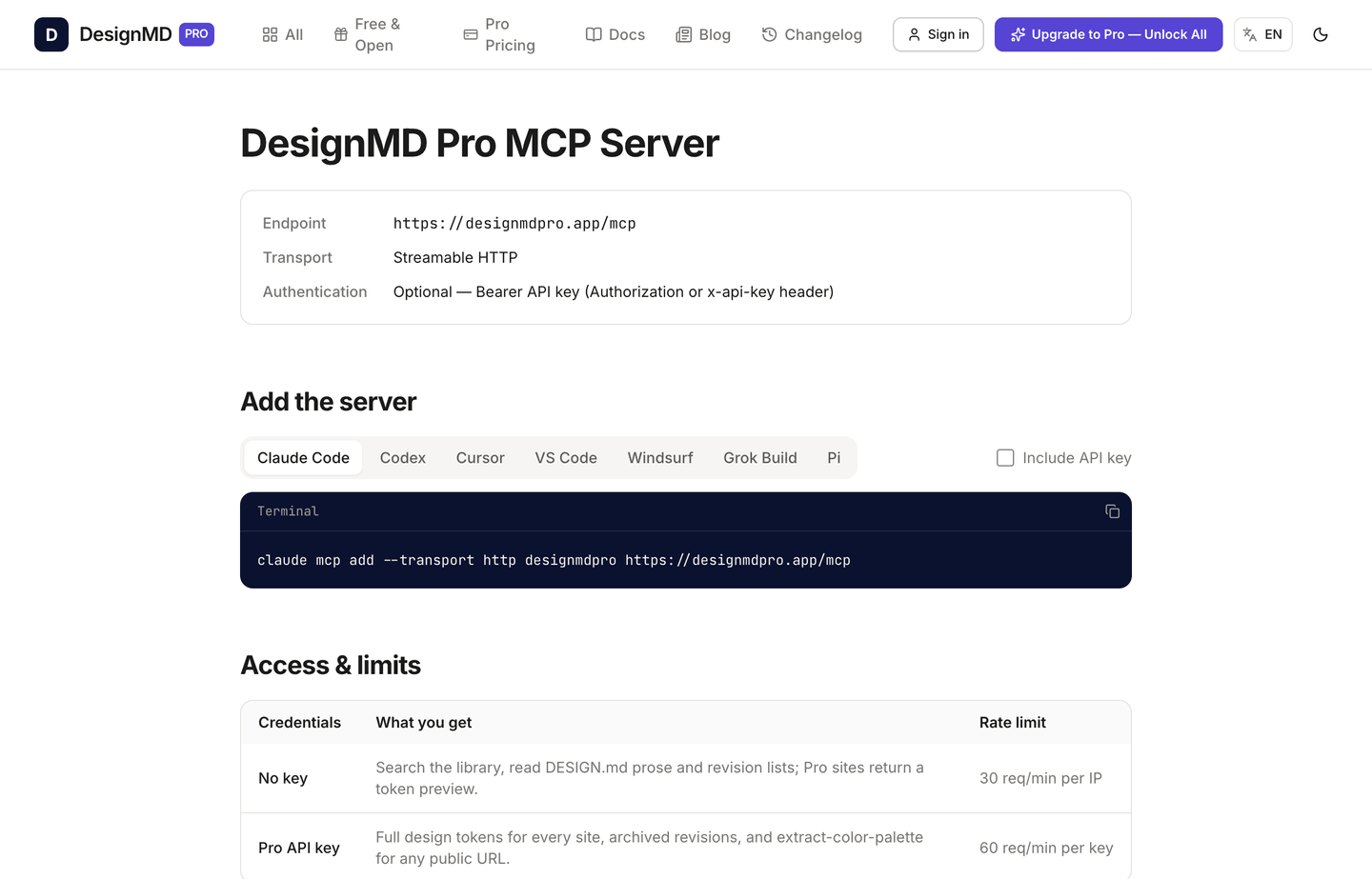
IDE를 떠나지 않고 Kiro 안에서 DesignMD Pro 카탈로그를 검색하고 특정 DESIGN.md 섹션을 가져오려면 .kiro/settings/mcp.json(워크스페이스) 또는 ~/.kiro/settings/mcp.json(전역)에 호스팅된 Streamable HTTP 엔드포인트(https://designmdpro.app/mcp)를 등록합니다.
{
  "mcpServers": {
    "designmdpro": {
      "url": "https://designmdpro.app/mcp",
      "disabled": false,
      "autoApprove": ["search_websites", "get_design_md", "list_revisions"]
    }
  }
}
Pro API 키(계정 → API Keys의 dmdp_…)를 사용할 때는 자격 증명을 git에 커밋하지 말고 환경 변수를 참조한 뒤, Kiro가 Mcp Approved Env Vars를 요청할 때 DESIGNMDPRO_API_KEY를 승인하세요.
{
  "mcpServers": {
    "designmdpro": {
      "url": "https://designmdpro.app/mcp",
      "headers": {
        "Authorization": "Bearer ${DESIGNMDPRO_API_KEY}"
      },
      "disabled": false,
      "autoApprove": ["search_websites", "get_design_md", "list_revisions"]
    }
  }
}
익명 및 Pro 등급의 전체 연결 세부 정보, 속도 제한, 사용 가능한 도구는 DesignMD Pro MCP Server 페이지에서 확인하세요.
4단계: 프롬프트 템플릿
Vibe 모드: 루트 DESIGN.md로 컴포넌트 구축
Read DESIGN.md in the repository root. Build the billing settings card in
src/components/billing-card.tsx using only the defined color, typography,
spacing, and radius tokens. Follow the Elevation & Depth and Do's and Don'ts
sections strictly.
Spec 모드: 작업 생성 전에 UI 요구사항 고정
Create a Kiro spec for a workspace members management page. In design.md,
reference the visual tokens in root DESIGN.md (surface hierarchy, hairline
borders, primary CTA, and table density) so implementation tasks do not
introduce ad-hoc Tailwind colors.
MCP 조회: 라이브 레퍼런스 비교 또는 도입
Use the designmdpro MCP server to call search_websites for "linear", then
fetch only the Colors, Typography, and Components sections with get_design_md.
Update our root DESIGN.md to adopt that surface hierarchy and run
`npx --yes @google/design.md lint DESIGN.md` to verify zero errors.
자주 하는 실수
- 루트
DESIGN.md와 Kiro의 기능별.kiro/specs/<feature>/design.md혼동: Kiro의 Spec 워크플로는 기술 아키텍처, API, 데이터 모델을 위해 기능별 소문자design.md를 생성합니다. 시각 design tokens는 대문자 루트DESIGN.md에 두고.kiro/steering/design-system.md에서 참조하세요. .kiro/steering/design-system.md에 토큰을 그대로 복사: YAML 토큰을 복제하면 드리프트가 발생하고@google/design.md lint검사가 깨집니다.#[[file:DESIGN.md]]를 사용하면DESIGN.md수정 사항이 자동으로 반영됩니다..kiro/settings/mcp.json의 미승인 환경 변수:${DESIGNMDPRO_API_KEY}가 치환되지 않는다면 셸에서 해당 변수가 export되었는지와 Kiro의Mcp Approved Env Vars설정에 등록되어 있는지 확인하세요.
다음 단계
- MCP Server 설정 — 호스팅 엔드포인트, 속도 제한, 도구 개요
- MCP Server 레퍼런스 —
search_websites,get_design_md,list_revisions,extract-color-palette의 전체 JSON 스키마 - Tailwind CSS & shadcn/ui 연동 —
DESIGN.md와 함께 일치하는 CSS variables 내보내기 - 전체 예제 — 검증된 완성형 스타터
DESIGN.md