Cinematic Design Systems
105 websites
Style guide
What makes a cinematic design system work?
What defines Cinematic?
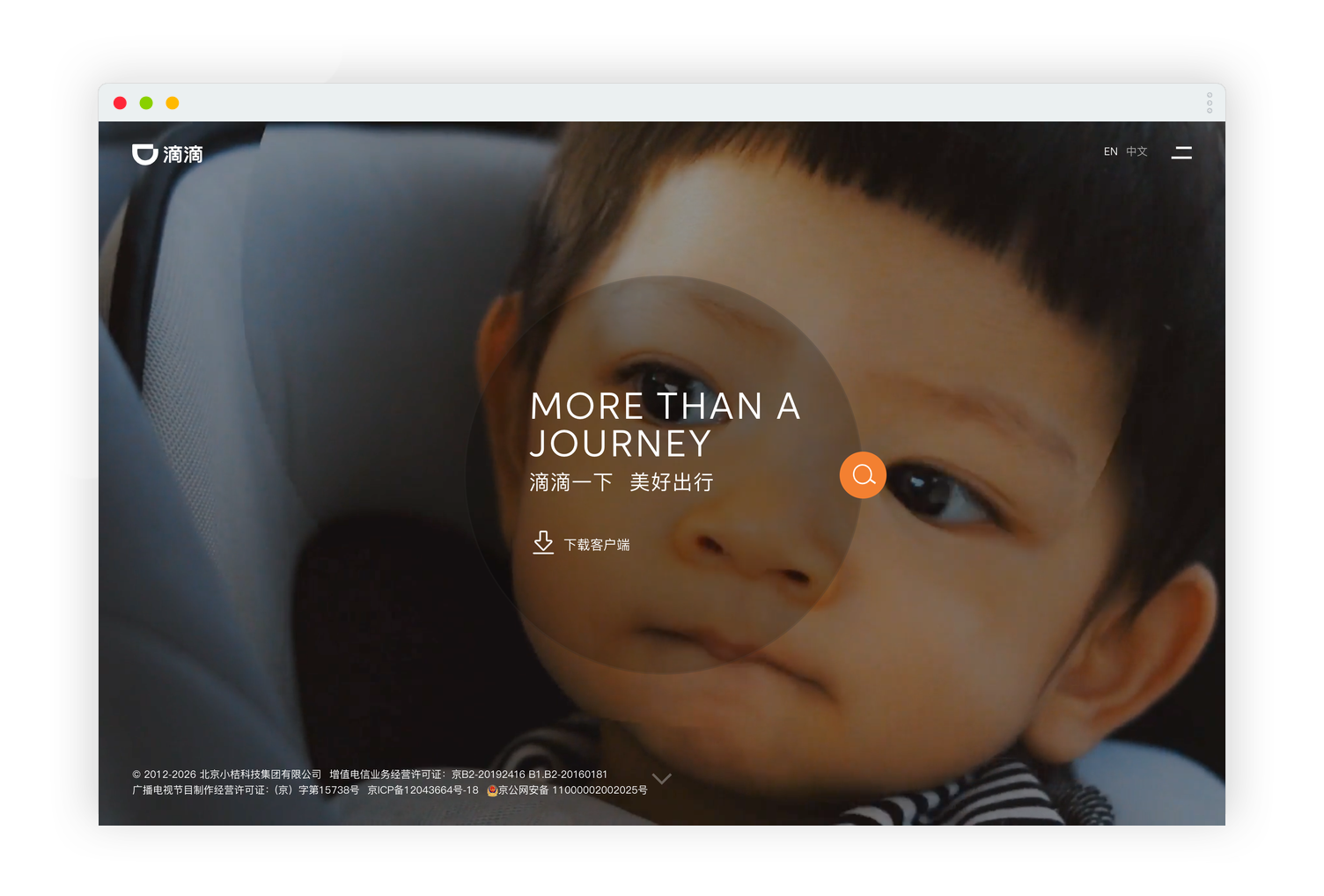
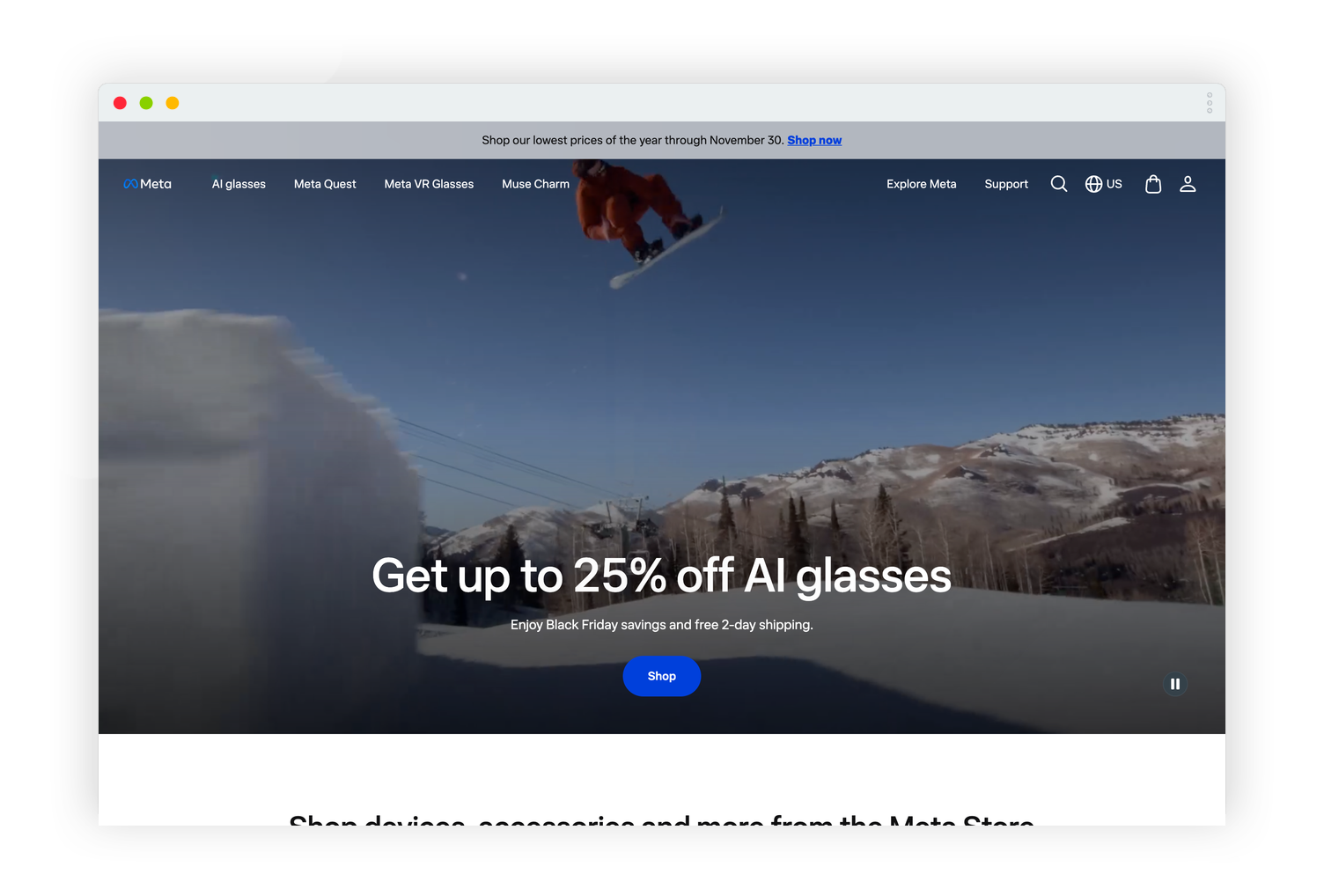
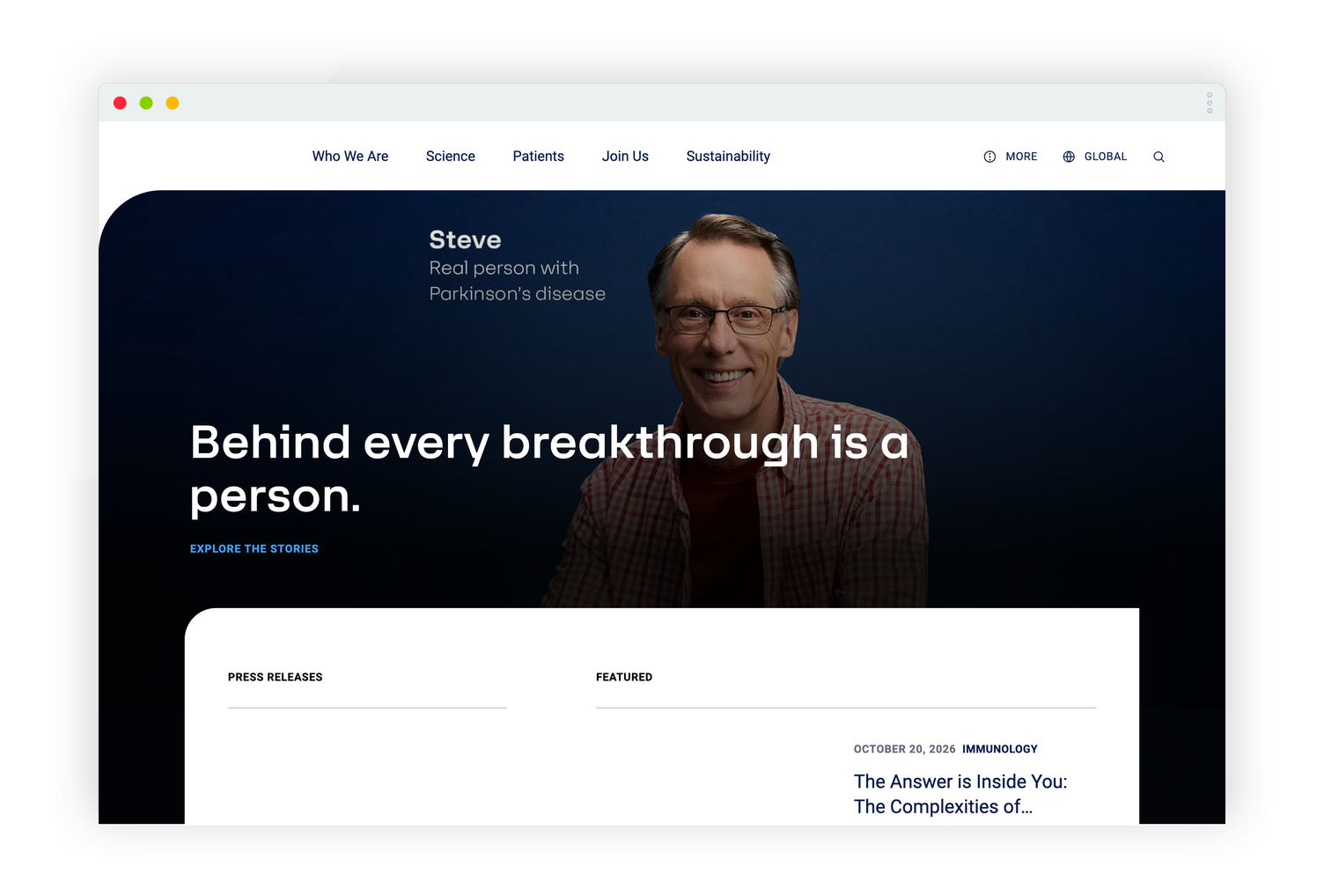
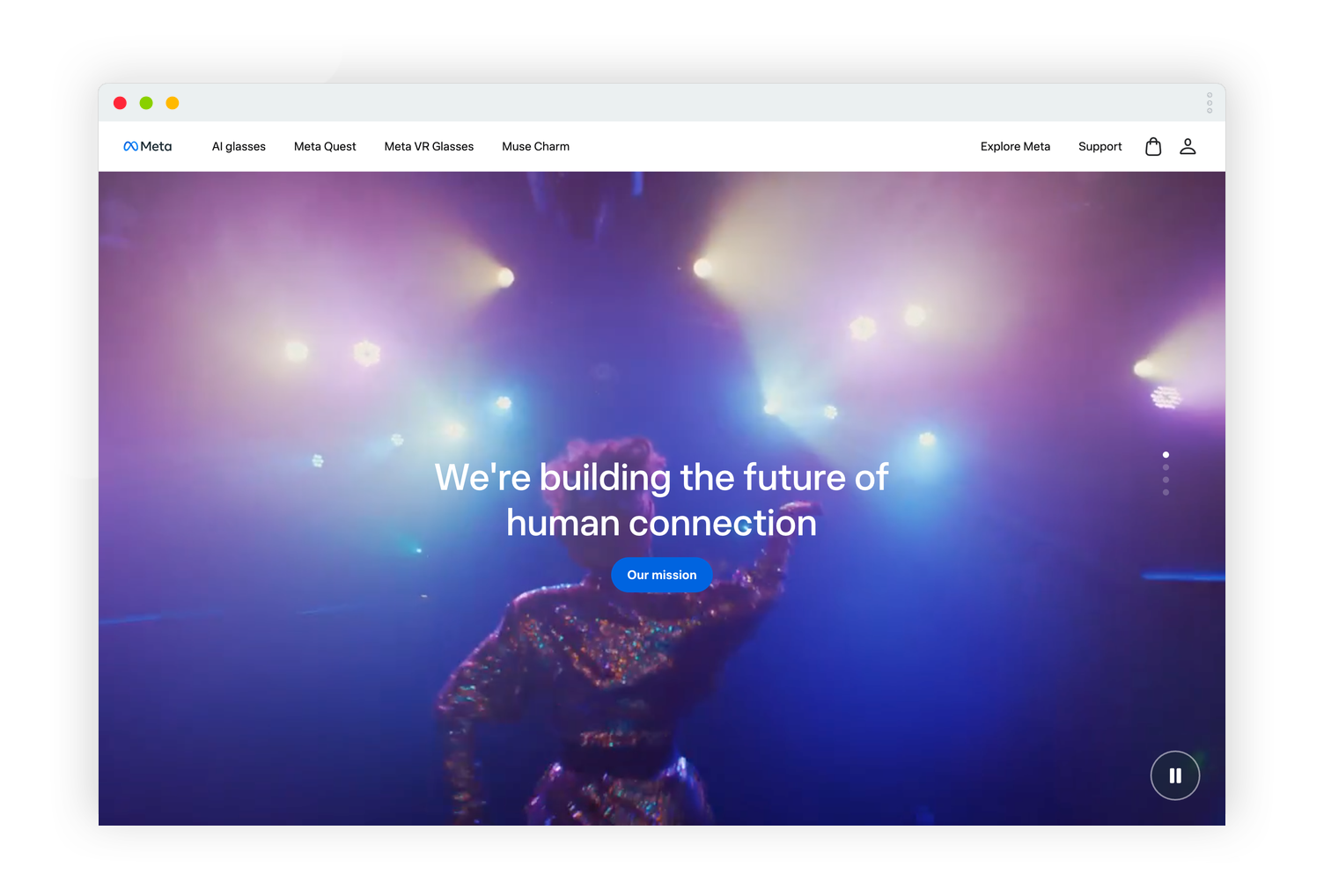
Cinematic is defined by large-scale visual drama, darkness, depth, and sequential reveals inspired by film or trailer pacing. In strong examples, the style is not a screenshot mood; it is a repeatable system in which full-bleed media, strong focal crops, layered gradients, and generous transitions guide attention scene by scene.
A useful DESIGN.md extraction records those decisions as roles rather than adjectives. Surface, border, spacing, radius, typography, and color tokens need to say which parts create structure and which create emotion, because an AI agent can only reproduce the style when that division is explicit. The same separation also makes different websites comparable: you are evaluating system decisions rather than one-off visual effects.
How typography carries the style
Typography in these websites uses compact, high-impact display type and sparse supporting copy so imagery remains dominant. Compare the ratio between hero, section title, body, caption, and button text before comparing the font files themselves; line height and measure often explain the mood more accurately than the family name.
When borrowing the style, copy the type proportions first and substitute your own family second. The font can change, but if heading contrast, line length, or weight rhythm changes with it, the result stops feeling like the reference almost immediately. Preserve those proportions when substituting a brand font, then adjust for x-height, width, and optical size rather than copying point sizes verbatim.
Color and surface roles
The color strategy usually often combines deep shadows with luminous accents, metallic neutrals, or a controlled highlight color. The important question is not whether a palette is attractive in isolation, but how roles are assigned: which colors may cover large areas, which carry text, which separate surfaces, and which appear only for emphasis or state.
That is why a DESIGN.md should preserve semantic roles such as primary, surface, muted, outline, and success instead of flattening everything into a list of hex values. Roles tell an agent where a color is allowed to go and where it should be used sparingly. When comparing examples, also check whether light and dark modes preserve the same roles instead of merely swapping a few hex values.
When to use Cinematic as a reference
This collection is especially useful for entertainment, games, creative tools, launch films, hardware, and premium brand campaigns. Start with websites whose product type and information density resemble yours, then compare spacing, radius, typography, and component rules across several examples instead of cloning one homepage pixel for pixel.
Watch for motion or imagery overwhelming readability, performance, and the actual conversion path. Every card opens a reviewed DESIGN.md: free entries expose selected tokens, while Pro entries keep the complete token set, component rules, and revision history for use as durable product context. Treat the collection as a reference set: extract principles from several strong examples, then reinterpret them for your own brand rather than reproducing one site wholesale.
Frequently asked questions
Do all cinematic websites look the same?
No. They share a set of visual principles, but their typefaces, density, radii, brand accents, and component details still differ. The collection is useful because it makes those differences easy to compare.
Can I copy a website's DESIGN.md directly?
You can use public tokens as design context for prototypes, but you should not copy brand assets, copywriting, or trademarks. Extract the type scale, spacing rhythm, and color roles, then apply them to your own brand.
Why do some cards show a Pro lock?
Locked cards are Pro entries. You can still inspect the public summary and selected design information; full tokens, component rules, and revision history require Pro access.
How often are these pages updated?
Collection pages follow the website catalog cache. When a new reviewed DESIGN.md revision is linked, the listing is refreshed. First pages stay statically rendered; paginated URLs use the request-time query-view variant.